Overview
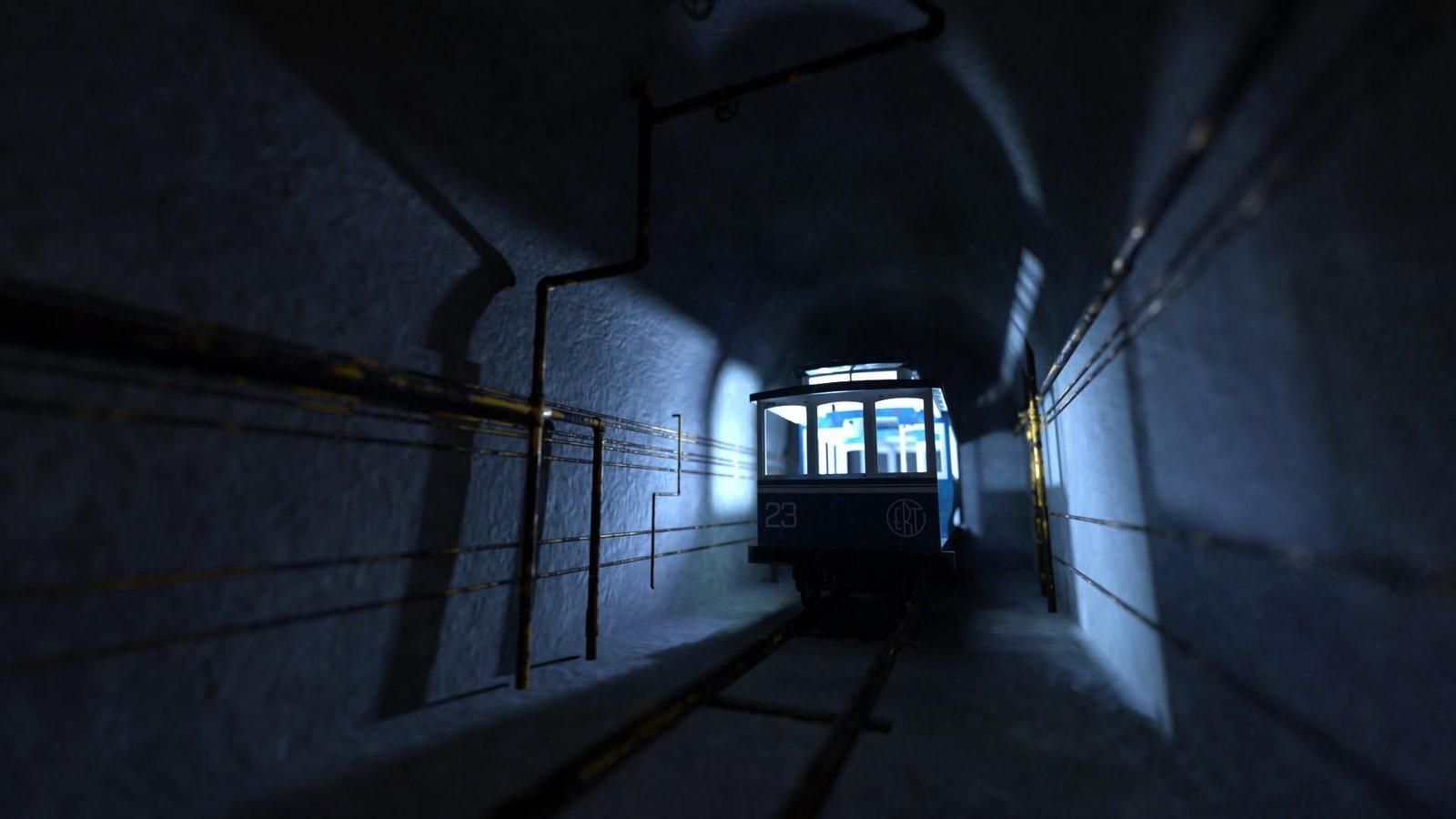
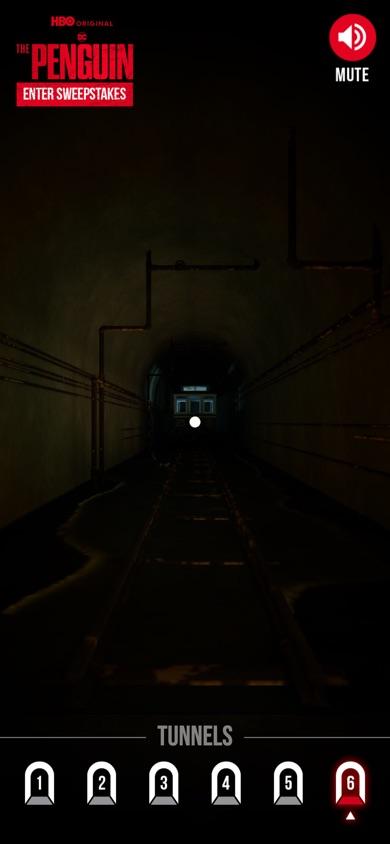
The Penguin brought a cinematic 3D tunnel environment to mobile browsers. The main challenge was making it work well on phones: Meshopt-compressed glTF, WebP textures, and careful scene management kept downloads and rendering practical.
I worked as part of a TVGla team that included design, production, content, and engineering.
The brief
Bring a cinematic 3D tunnel journey to mobile browsers, using the phone's motion as a camera to look around the scene.
What I built
As one of a small development team, I worked on the mobile WebGL journey, where Meshopt-compressed glTF, WebP textures, and scene management kept rendering practical on phones.
The result
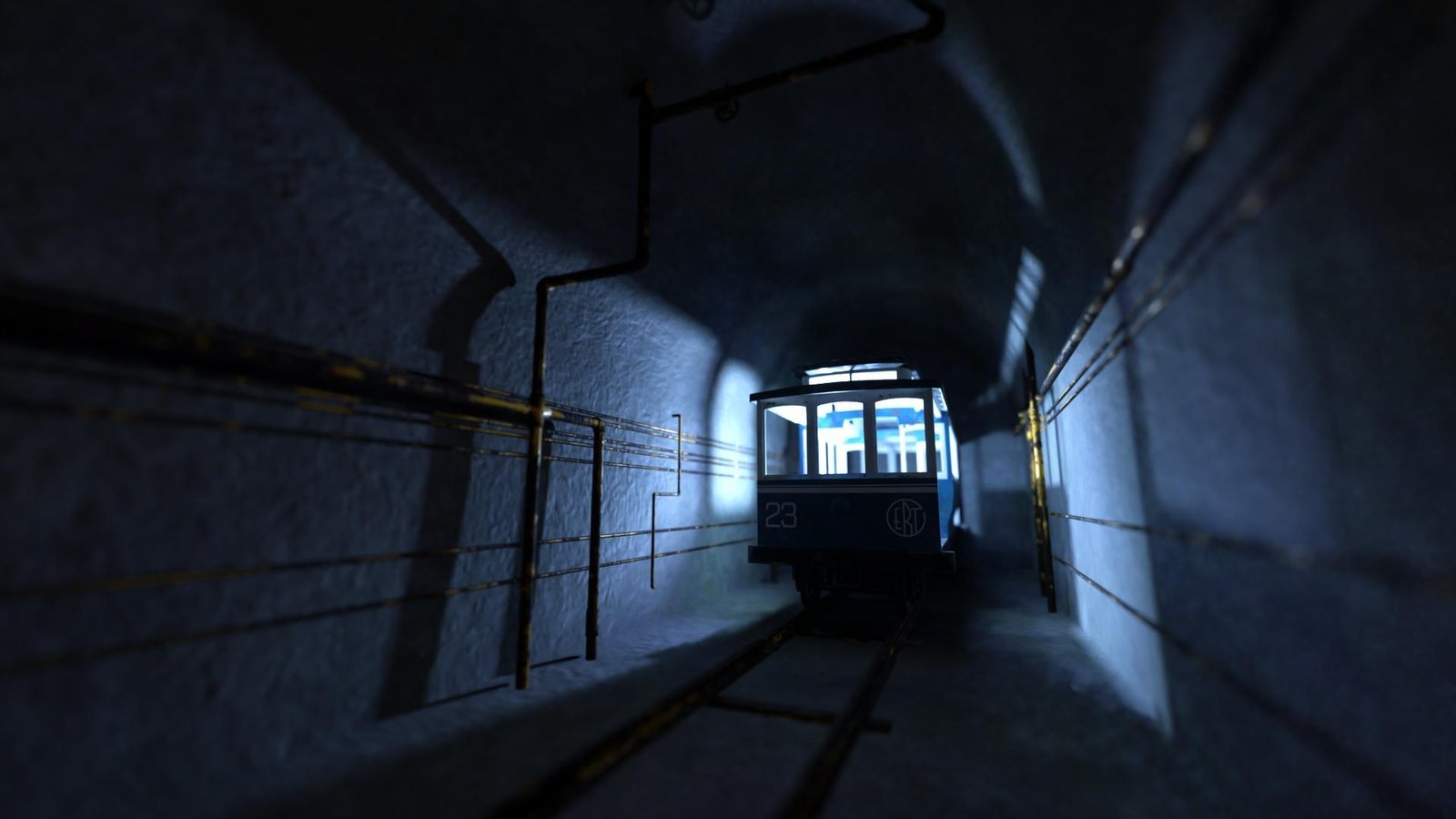
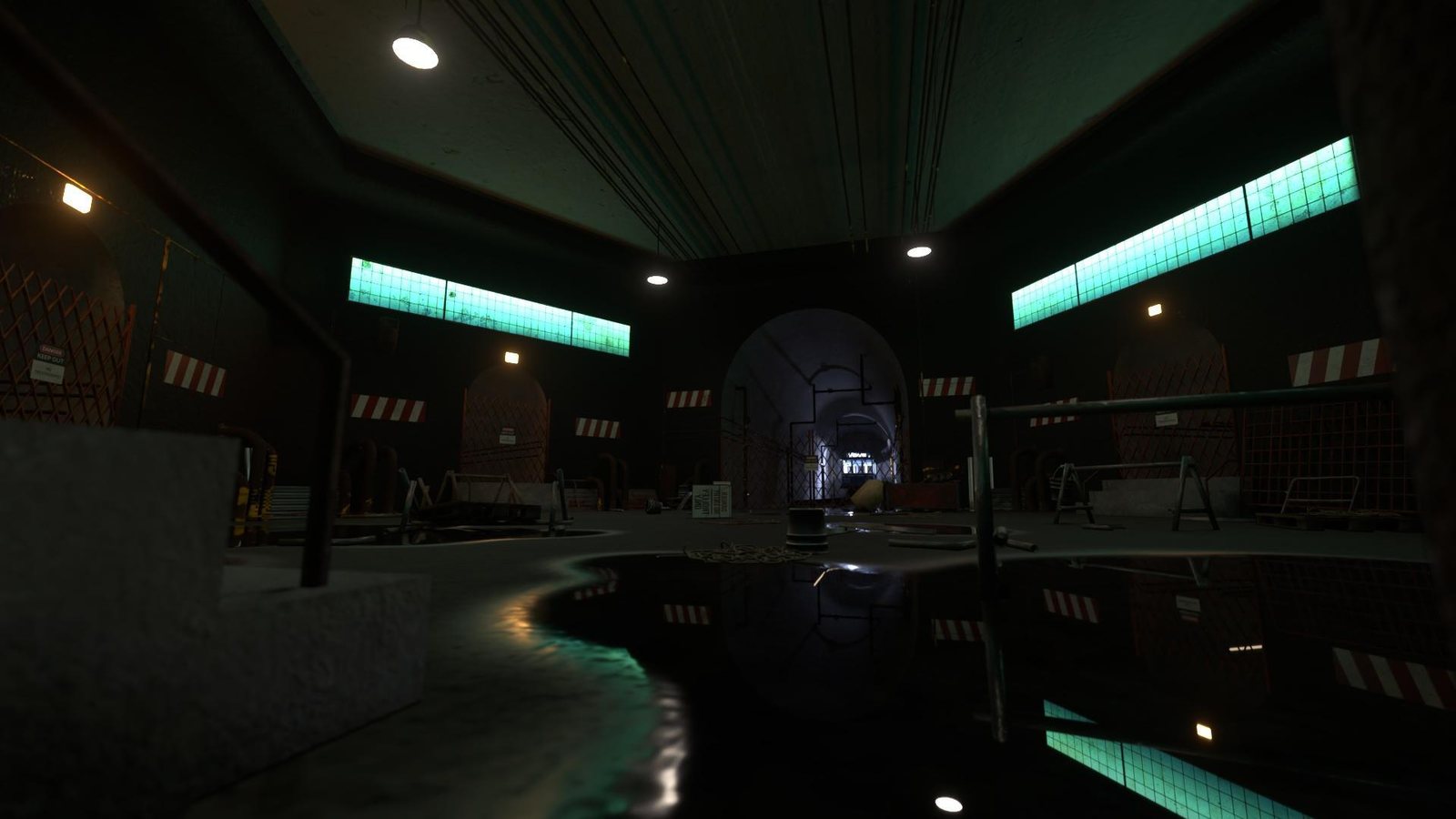
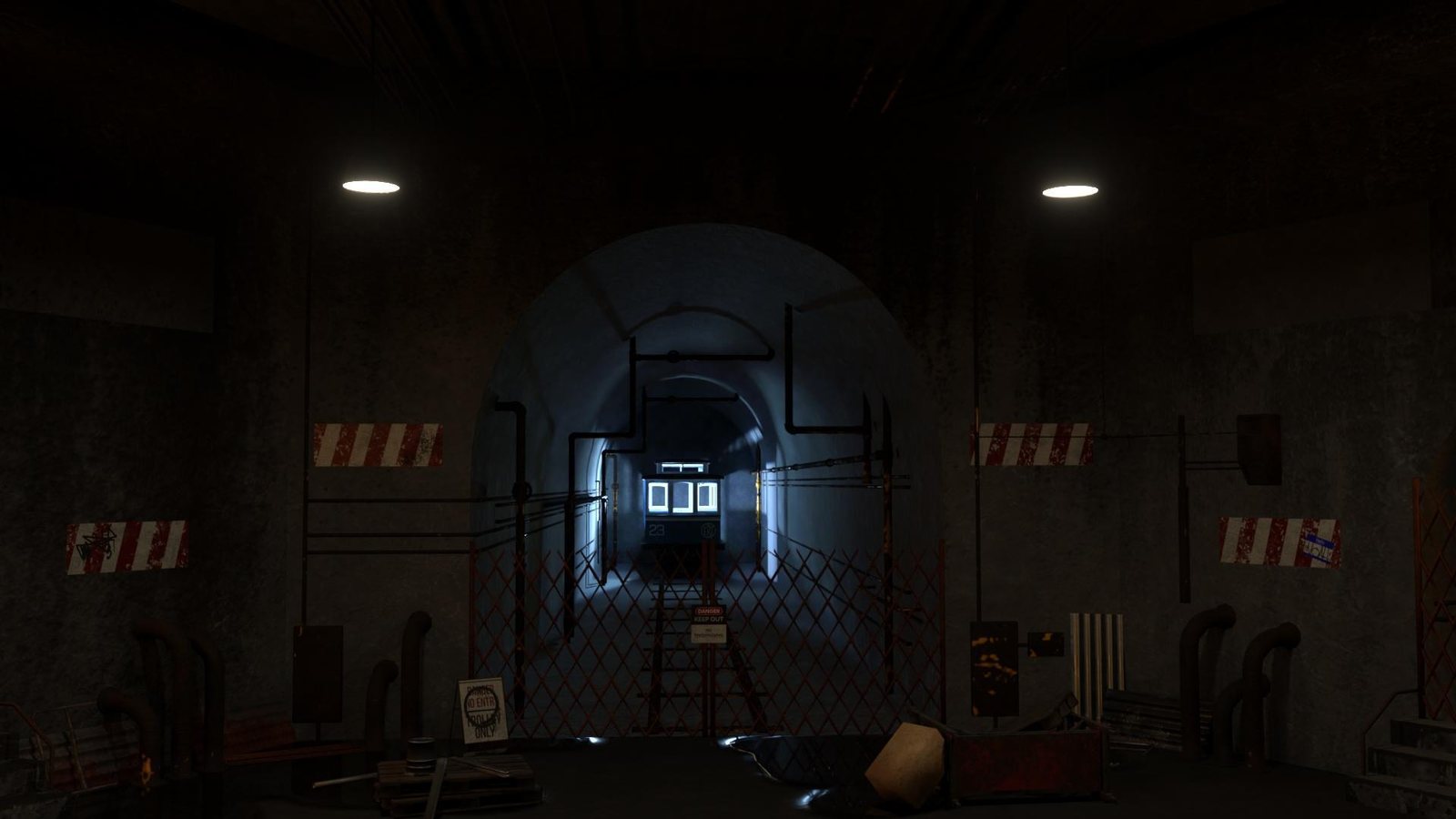
The live experience presents Gotham’s tunnel environment in the browser.


My engineering work
- Cinematic 3D environment in the mobile browser
- Meshopt and WebP compression for smaller downloads
- Atmospheric lighting tuned for phone GPUs
Build details
- WebGL sceneThree.js renders the cinematic 3D tunnel environment in the mobile browser.
- Model compressionMeshopt-compressed glTF reduces the cost of delivering 3D scene assets.
- Texture deliveryWebP textures help keep visual assets practical for phone downloads.
- Scene managementCareful scene management keeps downloads and rendering practical on phones.
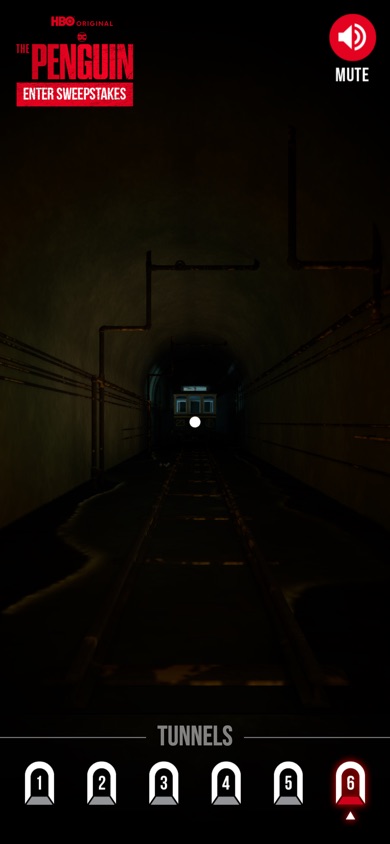
- Device motionThe mobile browser uses device orientation, so moving the phone acts like a camera looking around Gotham’s tunnel scene.
- My roleMobile WebGL contribution
- I contributed to the Three.js/WebGL implementation as part of a small development team, with TVGla design and QA partners.
- Build focusA cinematic tunnel journey for phones
- The experience brings Gotham’s tunnel environment to mobile browsers as a cinematic 3D journey.
- Delivery strategyCompressed models and textures
- Meshopt-compressed glTF and WebP textures were used to keep 3D assets and downloads practical on phones.
- What the captures showGotham tunnel scenes in the browser
- The atrium, trolley, and gate captures show distinct scenes from the live browser experience.